
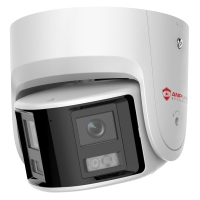
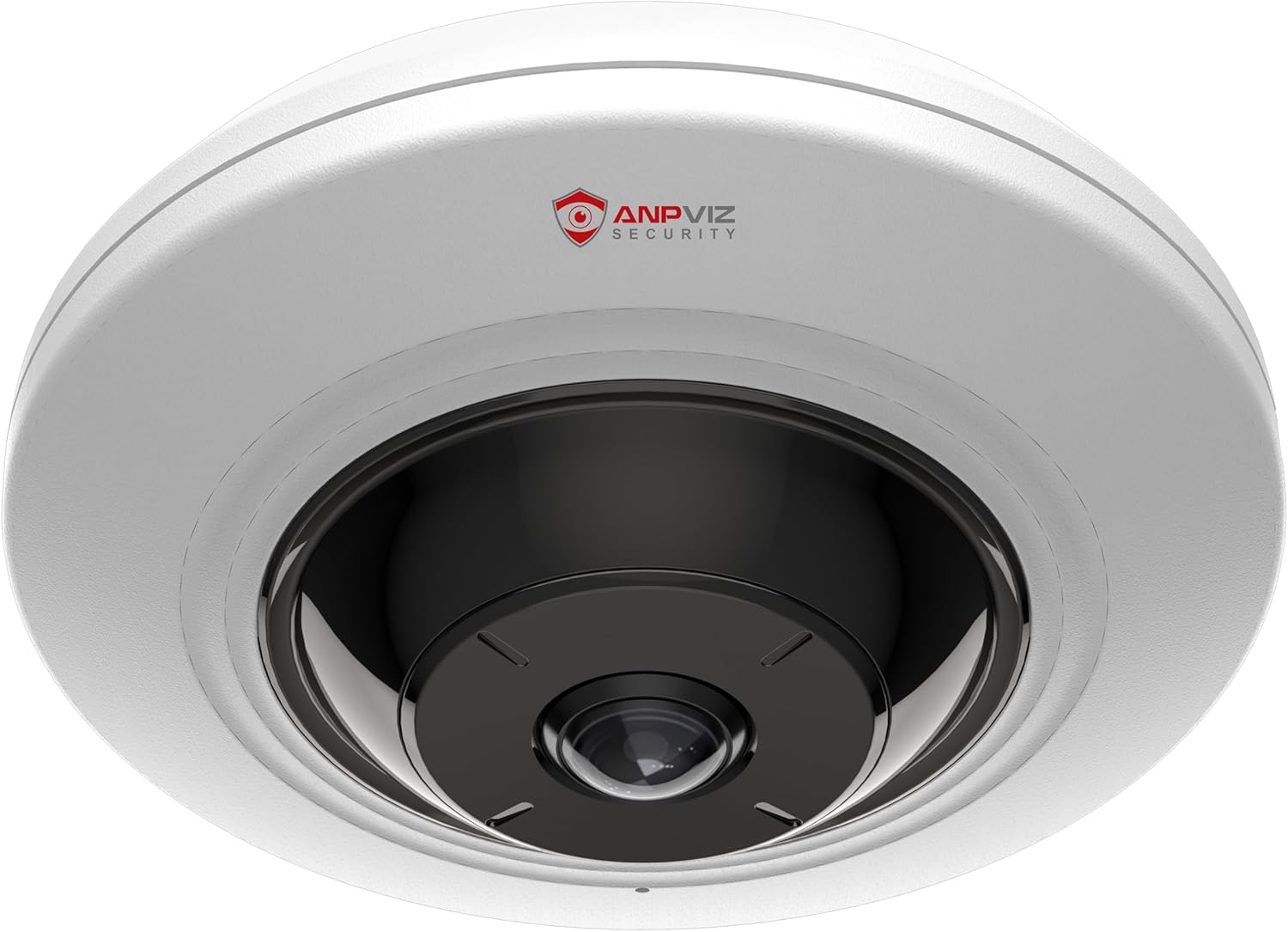

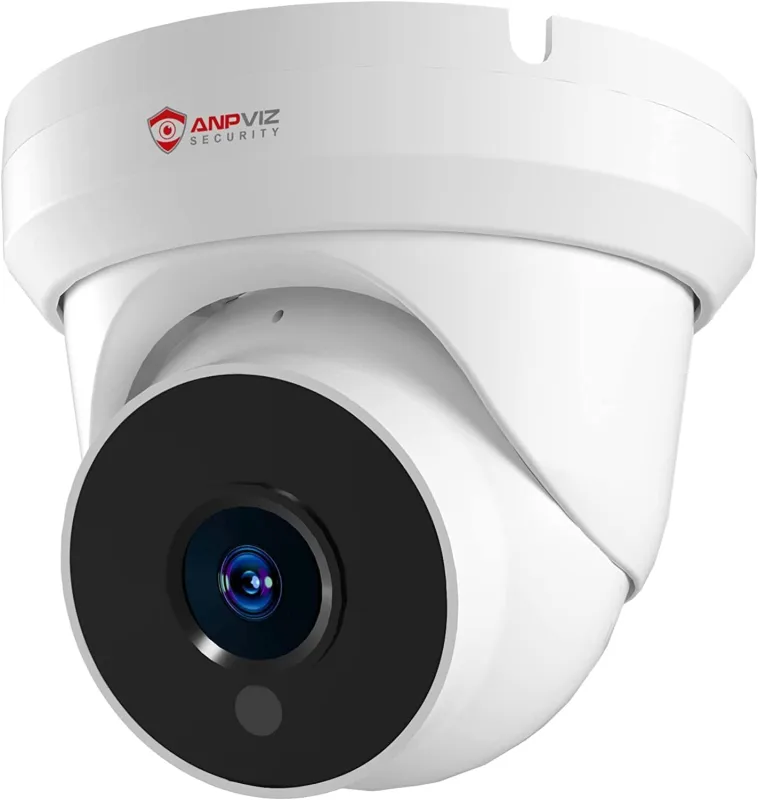


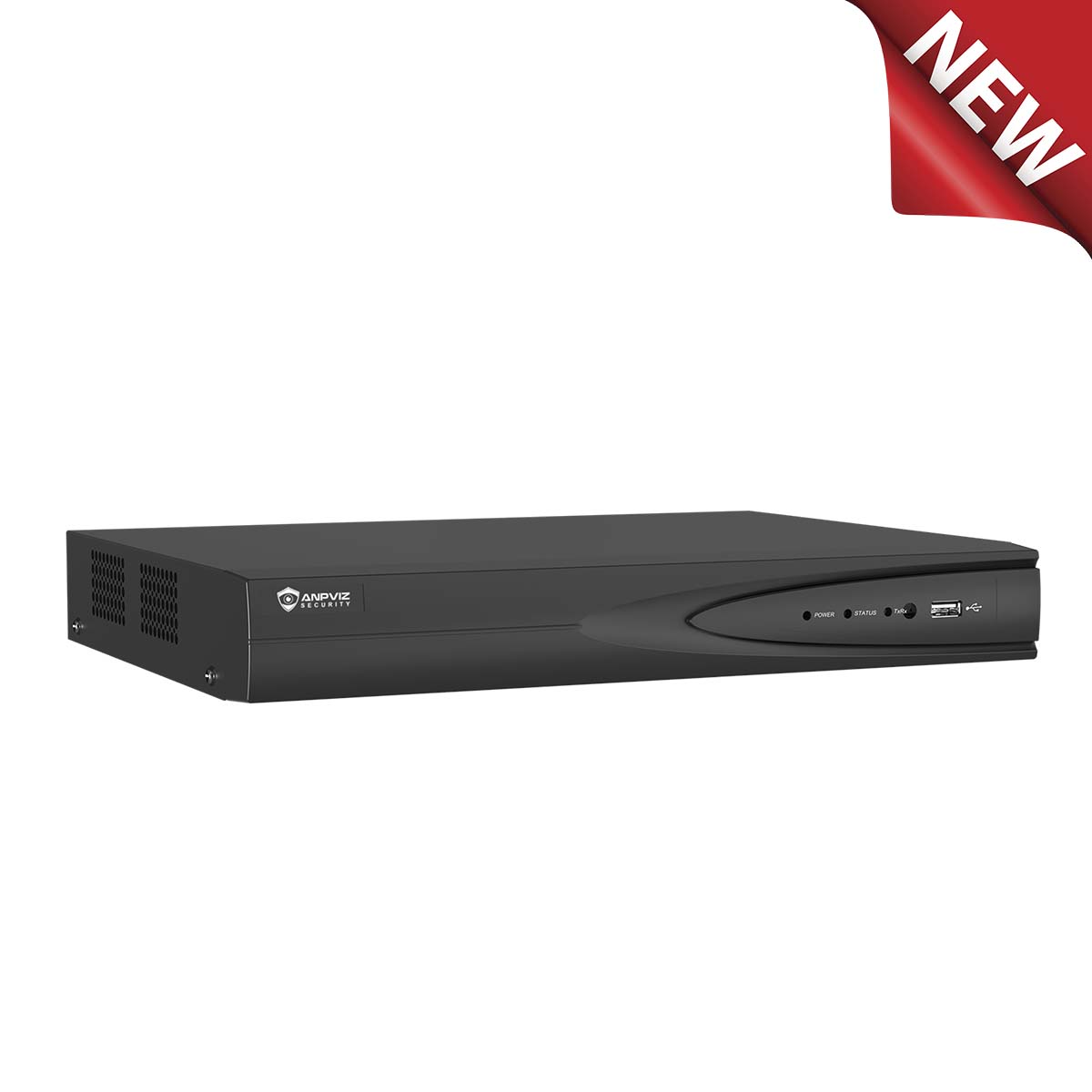






H SERIES
H Series Connection Guide
Follow the video tutorial to learn how to connect your Anpviz H Series network camera to Blue Iris software.
H Series · Add Channels — Find the Camera IP Address Using SADP — Make Sure ONVIF Is Enabled

Learn how to connect your Anpviz network camera to Blue Iris software with our step-by-step video guides. Select the guide that matches your camera series.
Watch the corresponding tutorial to get started.
Follow the video tutorial to learn how to connect your Anpviz H Series network camera to Blue Iris software.
H Series · Add Channels — Find the Camera IP Address Using SADP — Make Sure ONVIF Is Enabled
Follow the video tutorial to learn how to connect your Anpviz U Series network camera to Blue Iris software.
U Series · Add Channels — Find the Camera IP Address Using SADP — Make Sure ONVIF Is Enabled
Technical documents, including firmware, upgrades, SADP, search tools, and more, are available at Anpviz Support .
Product-specific parameters and downloadable files can be found at the bottom of each product page.


